
Calculate Sales Tax in Seconds
Are you tired of manually calculating sales tax every time you make a purchase? It can be time-consuming and easy to make mistakes. Luckily, there’s a solution that can save you both time and headaches.
Sales tax is a necessary part of the purchasing process. However, calculating it can be confusing, especially with different tax rates and exemptions that vary from state to state or even within cities. This can lead to errors and paying more than you need to.
Clients served
Years in industry
Strong team
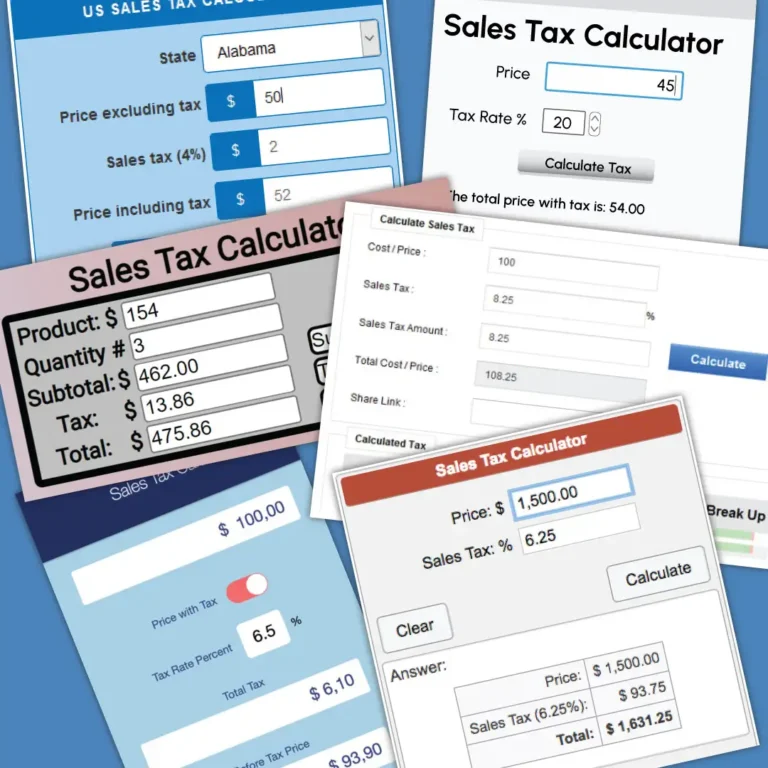






Sales Tax Calculator
Calculate the sales tax on a purchase and determine the total amount you will pay after tax.
Enter Purchase Details
Your Result
Sales Tax Breakdown
Formula:
Sales Tax = Purchase Amount × Tax Rate
Total Cost = Purchase Amount + Sales Tax
Three Simple Steps. One Clear Answer.
Enter the price
Add the product or purchase amount you want to calculate.
Set the tax rate
Use the slider to select the applicable sales tax percentage.
Review your total
Instantly see the tax amount and the total amount including tax.
Make Everyday Tax Calculations Easier
A simple tool can remove repetitive calculations and give you a clearer view of what you will actually pay.
Instant Results
Enter your price and tax rate and get the final amount immediately, no spreadsheet required.
Reduce Errors
A consistent calculation helps reduce common manual mistakes when adding or removing sales tax.
Plan With Confidence
See your tax amount and total cost clearly before completing a purchase or preparing a budget.

