NetSuite integrations streamline business processes, like inventory management, order processing, and shipment tracking by centralizing your database.
Along with that, it reduces manual errors that can leave a huge dent in your finances.
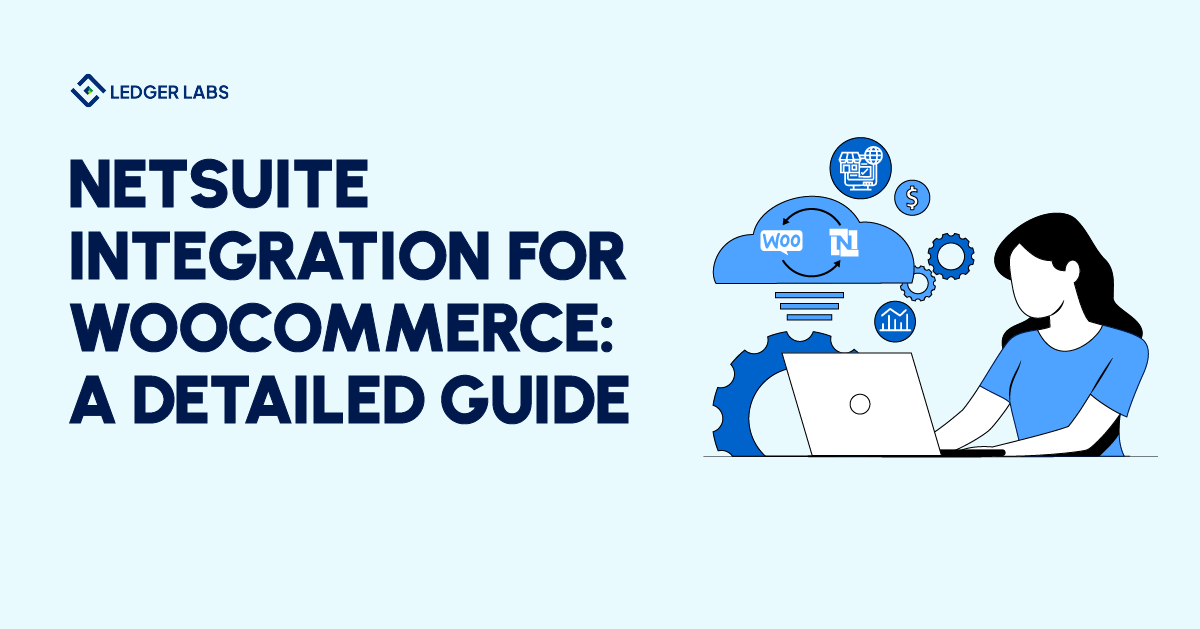
Integrating NetSuite with WooCommerce can play an invaluable role in your business growth, and what makes it so convenient is the fact that it has a simple integration method.
Let’s talk about this in detail.
- NetSuite integrations can help reduce costs by cutting manual data entry.
- NetSuite integrations increase operational efficiency.
- Integrate NetSuite with WooCommerce to enhance business processes like order management.
- There are 11 steps to integrating NetSuite with WooCommerce.
Integrating NetSuite with WooCommerce – A practical look at its impact on your business
WooCommerce is an open-source e-commerce plugin. According to BuiltWith, as of October 2026 it is detected on about 6.4 million live websites (BuiltWith notes this includes sites that are not online stores).
The integration of WooCommerce with NetSuite can be a strategic move for your small business. It can benefit your company’s bottom line by automating a bi-directional data exchange, eliminating manual data entry, and helping you save time and money.
WooCommerce offers businesses tools to make product management more efficient, improving its marketing and promotions.
It provides different shipping options and payment gateways.
Not only is it scalable, but you can also use it to customize your online store according to your brand guidelines.
It is compatible with desktop and mobile devices and is easy to set up.
NetSuite, on the other hand, is a cloud ERP that growing businesses use to centralize their data.
It centralizes your data, maintaining data consistency throughout the organization.
Now you may wonder how this integration would work for your business.
NetSuite has several built-in connectors that you can use to integrate WooCommerce.
You’ll start noticing real-time and bi-directional data flow as soon as you put both these platforms together.
This integration will automate data synchronization, allowing you to manage it in one centralized location. This includes sales orders, customer information, inventory levels, shipment tracking, and other financial data.
Let me give you an example of how it would work.
Imagine you get a sale on your online store. The minute a customer confirms an order, it is reflected in the inventory levels, and ultimately, your financial statements.
Wondering what else a WooCommerce and NetSuite integration would help you do?
Here’s a quick list.
- It updates the inventory levels in real-time, making stock counting more efficient.
- It automates invoice generation and the order fulfillment process.
- It automates customer information, improving customer interactions, and ultimately, customer satisfaction.
- It automatically syncs your sales and tax information, keeping your books ready for the tax season.
- It automates shipping and tracking information, speeding up the delivery process.
- It automates product updates, like its prices and discounts.
Basically, you can expect greater efficiency in your workflow with the integration of WooCommerce with NetSuite. Syncing orders is only half the job: payment-gateway payouts arrive net of fees and refunds, and someone still has to reconcile them to the ledger, which is the daily work of a NetSuite bookkeeping team.
5 use cases of a NetSuite and WooCommerce integration
Here are 5 ways your business can leverage NetSuite and WooCommerce integration.
1. It automates your shipping and tracking
The integration of WooCommerce and NetSuite helps businesses automate shipping costs.
You can generate shipping labels and update tracking information directly from the order management system.
Imagine running an online clothing store. You can use this integration to automate the calculation of your shipping based on the dimensions and weight of your product and the customer’s shipping address.
It will also benefit the customer and improve their experience on your website as they can get real-time updates on their delivery status through the tracking system.
2. It improves customer interactions
Integration of WooCommerce with NetSuite helps businesses create targeted advertisements and marketing campaigns.
You can use customer information to create personalized product recommendations for them.
Businesses run personalized email campaigns based on customer information and buying history.
It significantly increases their sales and improves customer interactions.
3. It enhances your reporting and analytics
Businesses run on numbers. It is important to have access to the right numbers at the right time.
This integration helps businesses through its extensive list of reporting and analytical tools.
You can use them to track and monitor your performance and identify trends.
What this integration gives you is a data-driven approach.
For example, you can use it to analyze the performance of your products.
Identify your best-selling products and create pricing strategies to enhance those products, and ultimately, the sales.
4. It adds security
NetSuite integration with WooCommerce gives your data an additional layer of security.
All information is stored and managed in a centralized system that follows two-factor authentication and other safety protocols.
5. It supports scalability
While many businesses successfully grow from small businesses to larger enterprises, many also collapse due to the lack of scalable systems.
The integration of these two platforms will enable you to handle large volumes of data, making your workflow more efficient regardless of your business size.
Many businesses in the beauty industry use this integration to expand and take their products to Amazon and other marketplaces.
The 11-step guide to integrating NetSuite with WooCommerce
Here is a detailed 11-step guide on integrating NetSuite with WooCommerce.
Step #1: Install NetSuite Plugin
You will launch the WooCommerce website and download the NetSuite WooCommere plugin.
You are required to purchase the subscription first.
Confirm subscription and download the Zip file.
Step #2: Go to WordPress Dashboard
Go to the WordPress dashboard by clicking on the visiting link.
Enter your username and password to confirm login.
Step #3: Upload the Plugin
Find the Plugins feature in your WordPress dashboard and choose “Upload Plugin”
Step #4: Download and activate NetSuite Plugin
Upload the NetSuite WordPress plugin that you downloaded in the first step.
Click Install Now
Select Activate Plugin
Step #5: Log in to your NetSuite account
Fill out basic information to begin data synchronization between your NetSuite account and WooCommerce.
This requires you to log in to your NetSuite account.
Step #6: Get Account ID
Go to Setup and then choose Company
Click on Company Information
Copy the account ID and paste it on a notepad
Step #7: Host URL
Another value you have to find is the Host URL.
Find it by scrolling down and clicking on the company URL option.
Look under the SuiteTalk field, a NetSuite API. Here you will find the Host URL.
Cope and page this URL on the same notepad.
Step #8: Find the Consumer Key and Consumer Secret
Go to Setup and click on Integrations
Find and select Manage Integrations and then choose New
Here you will provide the name of your company to generate the keys
Next, you will uncheck two sections: Authorization code and TBA Authorization Flow
However, do check these two boxes: Token-based Authentication and User Credentials.
Save this information to generate a Consumer Key and Consumer Secret.
Copy and paste this information into the same notepad.
Step #9: Find NetSuite Token ID and Token Secret
Go to Manage Access Token, an option you can find in your NetSuite Dashboard
Choose New My Access Token
Click on the company name you provided earlier.
This will generate an ID for you.
Do what you did before and copy and paste this information into the same notepad.
Step #10: HMAC-SHA256 Method
You will go to your WordPress Dashboard and choose the NetSuite Option
You have all the value to fill out the information here
Now select HMAC-SHA256 in the Signature Algorithm.
Step #11: Establish Connection
Finally, click on Test API Credentials.
NetSuite and WooCommerce integration is successful and ready for use.
NetSuite integrations – what do the numbers say?
NetSuite integrations are important for businesses today.
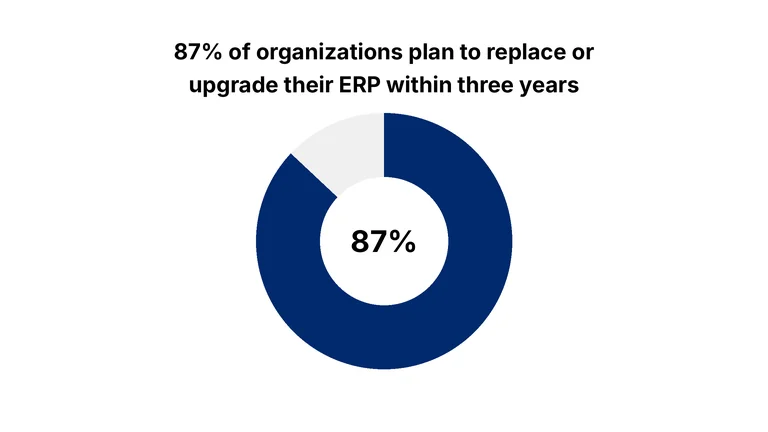
Organizations replace or upgrade their ERP for different reasons, but the intention is usually to replace outdated systems and connect diverse systems for an efficient workflow model.
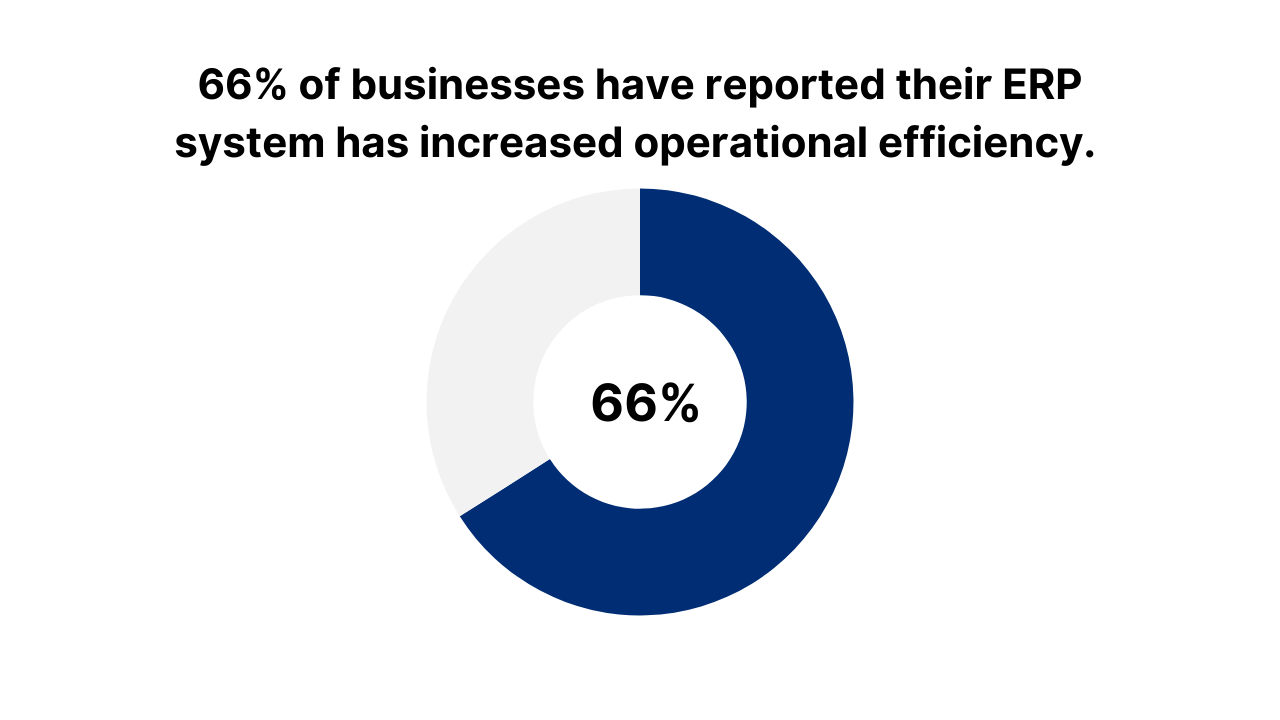
These are results for ERP projects in general, not NetSuite or WooCommerce specifically. In Panorama Consulting Group’s 2026 ERP Report (a survey of 170 organizations with a median annual revenue of $200.5 million, collected January 2025 to January 2026), these were the shares of respondents that expected each benefit and said they realized it to the extent expected:
- 87.3% for productivity and efficiency
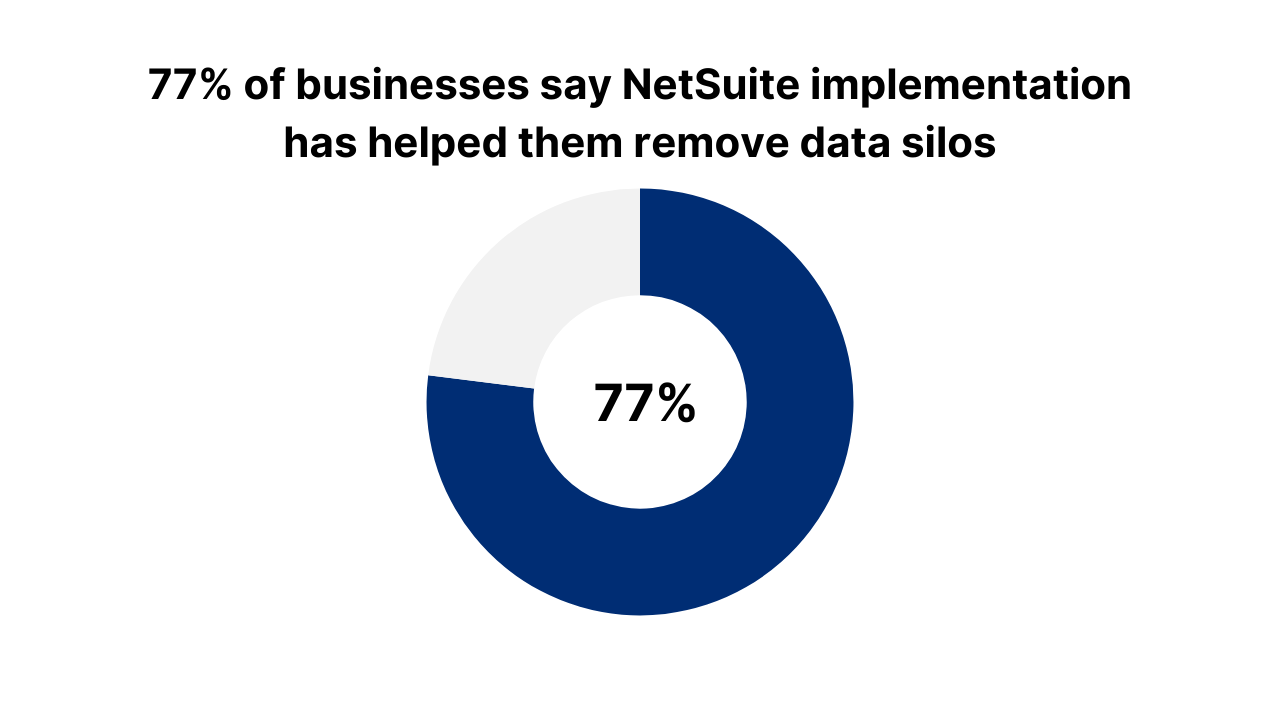
- 77.4% for removing data silos
- 60.2% for operating and/or labor costs
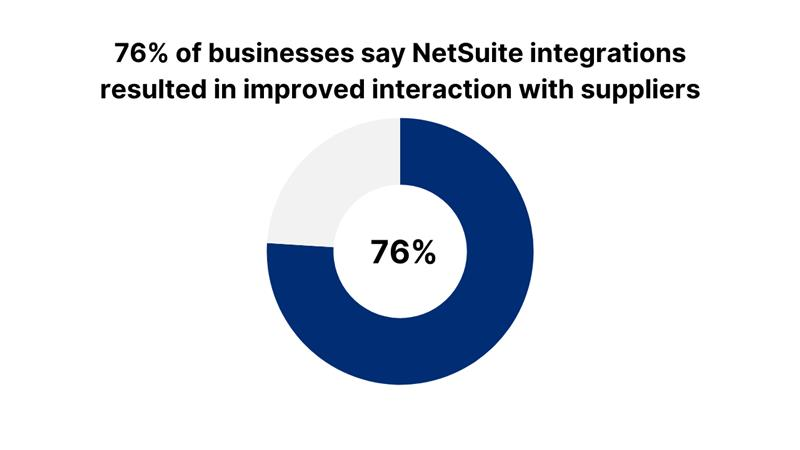
- 51.8% for interactions with suppliers
Results like these suggest that ERP integrations, like NetSuite’s integration with Magento, can positively impact your business.
The bottom line
Integrating NetSuite with WooCommerce helps businesses build a solid online store, streamlining operations from order processing to order fulfillment.
It creates an efficient workflow through automation, eliminating manual input to save time and money.
Ledger Labs has been an accounting firm since 2014. Our NetSuite accounting services reconcile WooCommerce orders, fees, and refunds to your books, with human review of exceptions.
Book an appointment with us to find out more!